

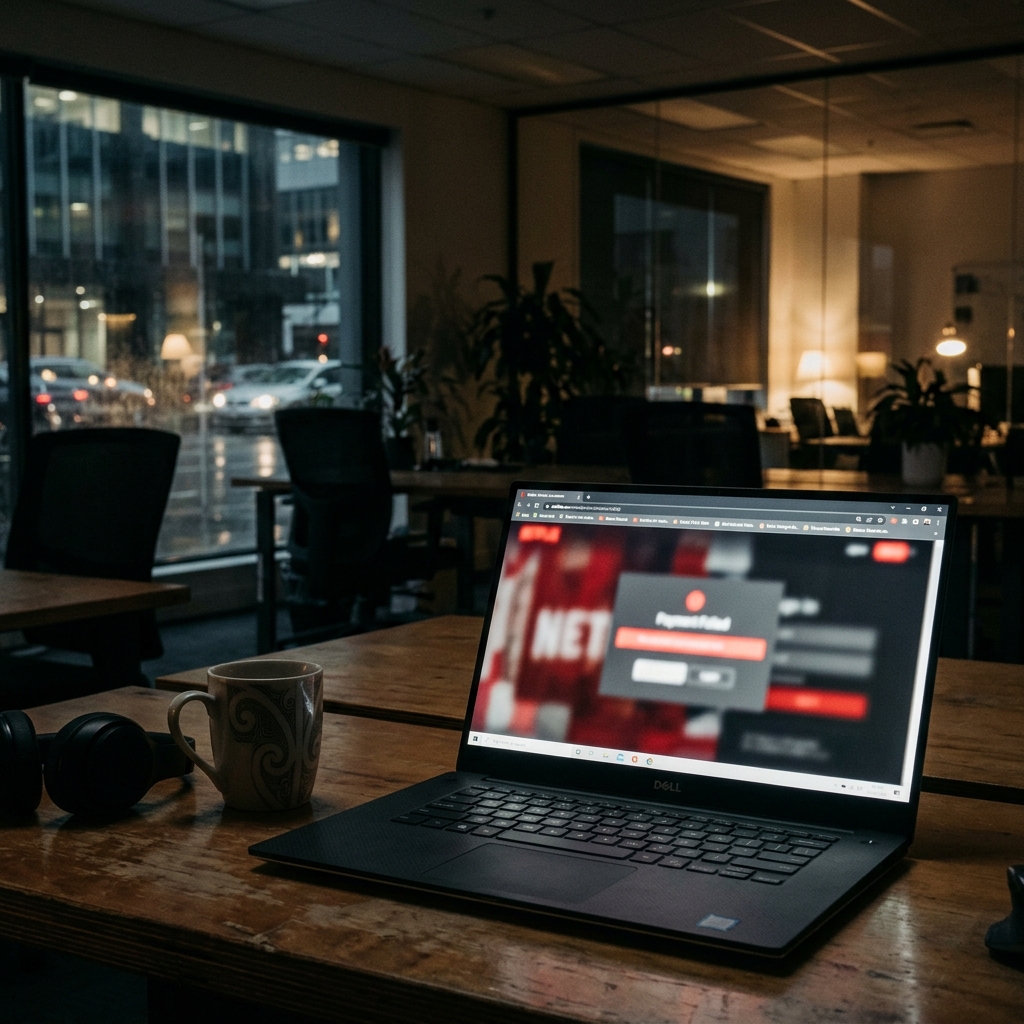
How a Fake Netflix Payment Alert Targets Your Login Credentials
A high-fidelity Netflix impersonation campaign using "Subscription Paused" lures to harvest payment details.
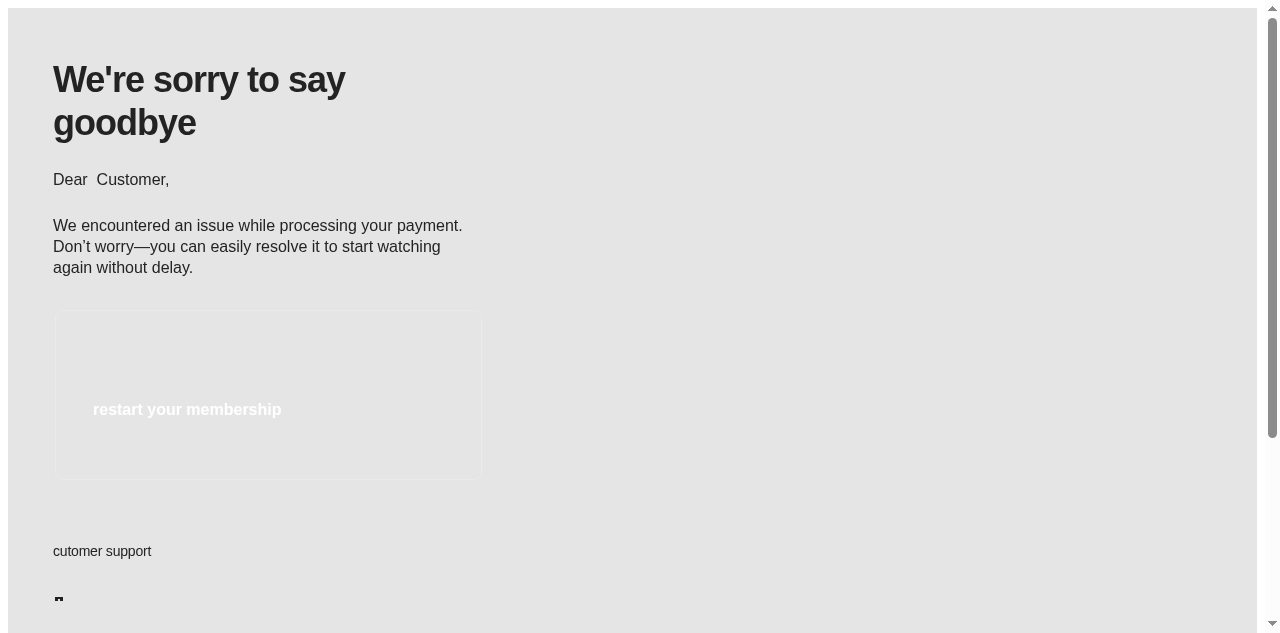
A widespread phishing campaign impersonating Netflix has been identified targeting New Zealand users with deceptive "Subscription Paused" alerts. The emails attempt to create immediate concern by claiming an issue with the recipient's payment method and urging them to "restart your membership." By leveraging the high global recognition of the Netflix brand, threat actors aim to lower the defensive posture of recipients, prompting them to click a malicious link to a fraudulent billing update page.
The social engineering technique used in this campaign is designed to trigger a routine administrative response. Because streaming services are frequently accessed across both personal and professional devices, staff members may treat a "payment failure" notice as a legitimate task to be resolved quickly. This familiarity is weaponised to drive traffic to a credential-harvesting site, where both Netflix login details and sensitive credit card information are collected under the guise of service restoration.
Technical analysis of the campaign reveals the use of a third-party sender infrastructure, with messages originating from the domain localiq.com. While the campaign utilizes technical authentication features like SPF and DKIM to bypass basic spam filters, the sender identity does not align with Netflix's verified domains (@netflix.com). The embedded "restart your membership" link redirects users through multiple hops before landing on a high-fidelity clone of the Netflix payment portal, intended to capture full financial credentials.
Organisations are advised to ensure that billing and account alerts for personal or shared services are handled through official, verified channels. Staff should be instructed to ignore links in unsolicited emails and instead verify account status directly through official applications or by navigating to netflix.com independently. Suspicious messages should be reported to Internal IT and forwarded to CERT NZ to contribute to national threat intelligence.
Practical steps you or your IT provider can take to reduce the risk from this kind of threat.
• Audit the Sender. Verify the sender domain (localiq.com). Official Netflix alerts will only come from @netflix.com addresses. • Use Your Bookmarks. Never click billing links in emails. Log in directly via the official Netflix app or website to manage your account. • Verify Independently. If you receive a payment failure notice, check your account status at netflix.com/youraccount. • Report Phishing. Forward any suspicious billing alerts to your security team or report them to CERT NZ (report@phishing.cert.govt.nz).
See what a genuine Netflix message looks like, the real sender domain, the real link destination, and where to report a fake.