


Fake PayPal alerts want to trick you into confirming your account details
Scammers are impersonating PayPal with deceptive security alerts to harvest your financial and login credentials.
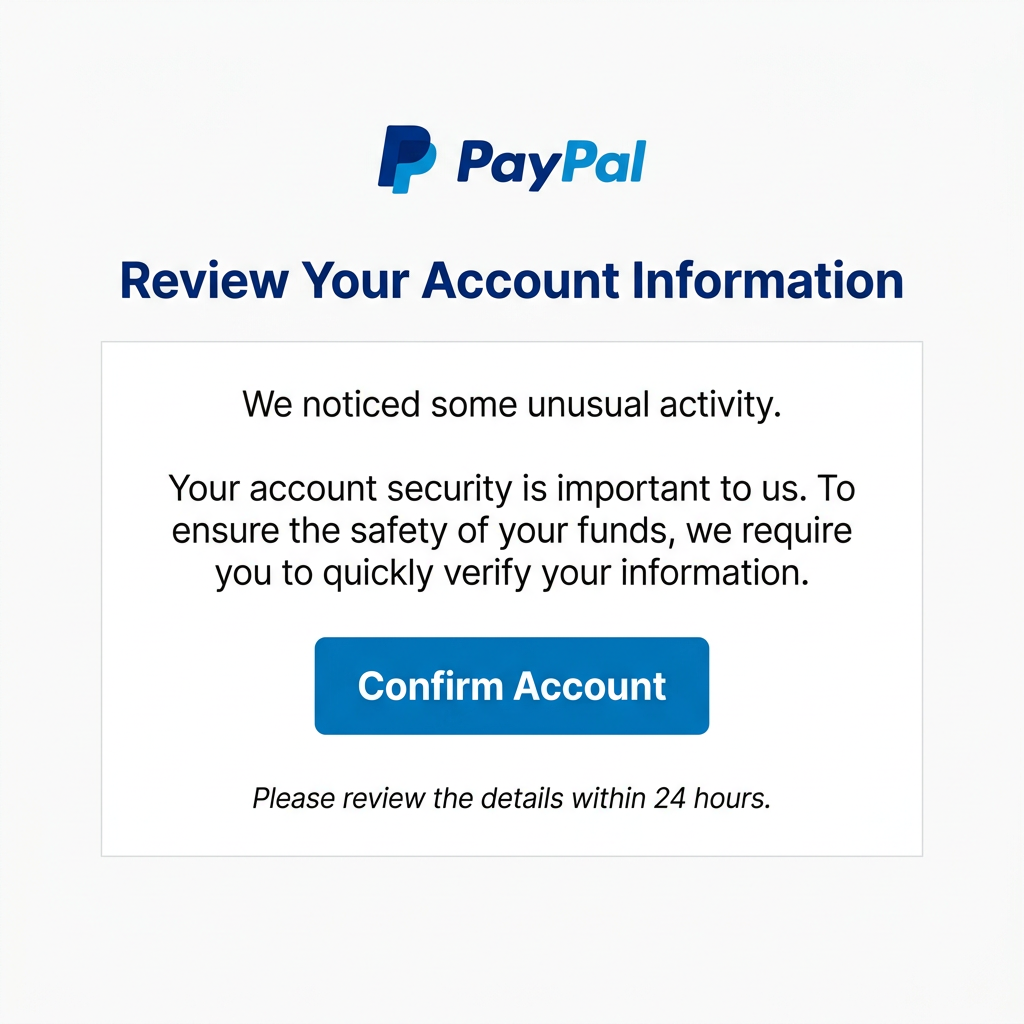
A high-frequency phishing campaign is currently masquerading as PayPal security notifications. These emails use polished branding to trick you into "reviewing your account information" to ensure your details are accurate and up to date.
This activity was flagged as a priority threat due to its high volume across seven different local organisations and its deceptive use of official templates. The coordinated nature of the attack across multiple organisations managed by Decision1 indicates a focused campaign targeting the region.
Technical details show a major contradiction: while the emails pass some standard security checks, the sender domain is info@avvv.fr. Legitimate PayPal notifications always originate from verified paypal.com infrastructure, never from unrelated French domains with no official connection to the service.
The impersonation is surprisingly realistic, featuring high-fidelity logos, professional layout, and buttons that lead to convincing replicas of the PayPal sign-in portal. This level of detail is designed to bypass standard security suspicions during a busy workday.
The domain the message claims to be from. Fresh registrations and known-bad reputations are the strongest technical tells of a spoofed sender.
Practical steps you or your IT provider can take to reduce the risk from this kind of threat.
- Check the Sender: Always verify the sender address. Official PayPal alerts will only come from @paypal.com addresses.
- Use Your Bookmarks: Never click buttons in emails to access your account. Type paypal.com directly into your browser or use your saved bookmarks.
- Enable Two-Factor Authentication: Ensure you have two-factor authentication (2FA) enabled on your PayPal account and your business email to prevent unauthorised access.
- Verify Independently: If you are concerned about your account, log in separately via the official app or website to check for real notifications.

See what a genuine PayPal message looks like, the real sender domain, the real link destination, and where to report a fake.